
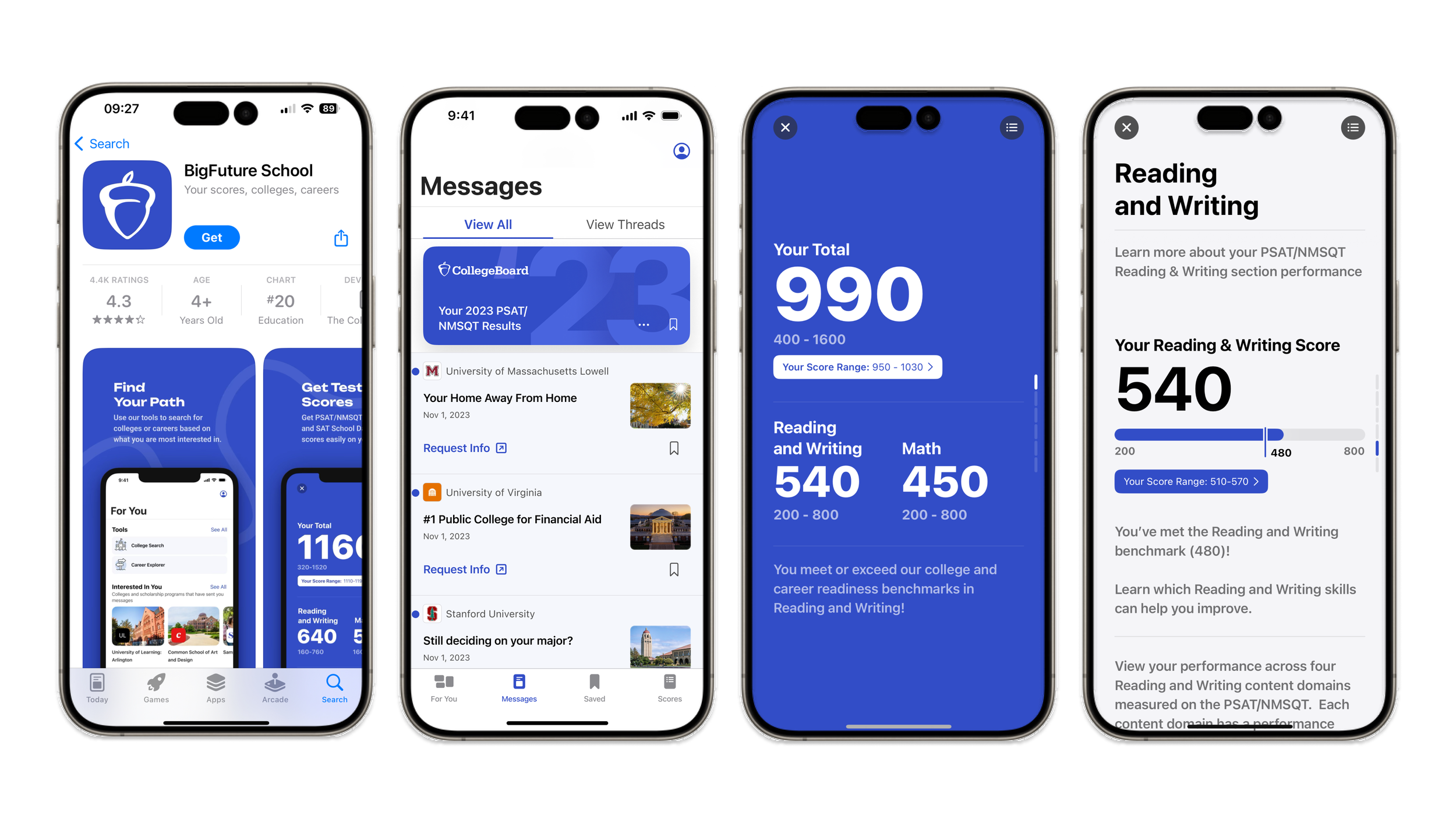
The BigFuture School App extends the BigFuture ecosystem into a mobile-first experience, giving students immediate access to their SAT Suite scores while guiding them toward personalized college, career, and scholarship opportunities.
Rather than functioning as a traditional score-reporting tool, the app was designed to help students understand their results and confidently take the next step in their educational journey.
BigFuture App
Role: Product Designer
Focus: Mobile UX, student flows, visual design, design systems, prototyping, handoff
Platform: iOS / Android
Audience: High school students taking PSAT/NMSQT, PSAT 10, SAT School Day
The problem
Receiving standardized test scores can be an exciting—but often overwhelming—experience. While students can see how they performed, many are left wondering:
What do my scores actually mean?
What should I do next?
Which colleges or careers might be a good fit?
The opportunity was to create a mobile experience that connected academic performance with personalized guidance, making future planning feel approachable rather than intimidating.
Design Goals
Every design decision centered around helping students move from information to action.
Simplify complex information
Present SAT scores and related content in a way that feels easy to understand at a glance.
Personalize the experience
Surface relevant recommendations based on each student's profile instead of requiring them to search through large amounts of information.
Encourage exploration
Create clear pathways into career discovery, college planning, scholarships, and future opportunities.
Design for mobile-first interactions
Optimize the experience for students accessing information on the go with intuitive navigation and focused interactions.
Key Experiences
Accessing Scores
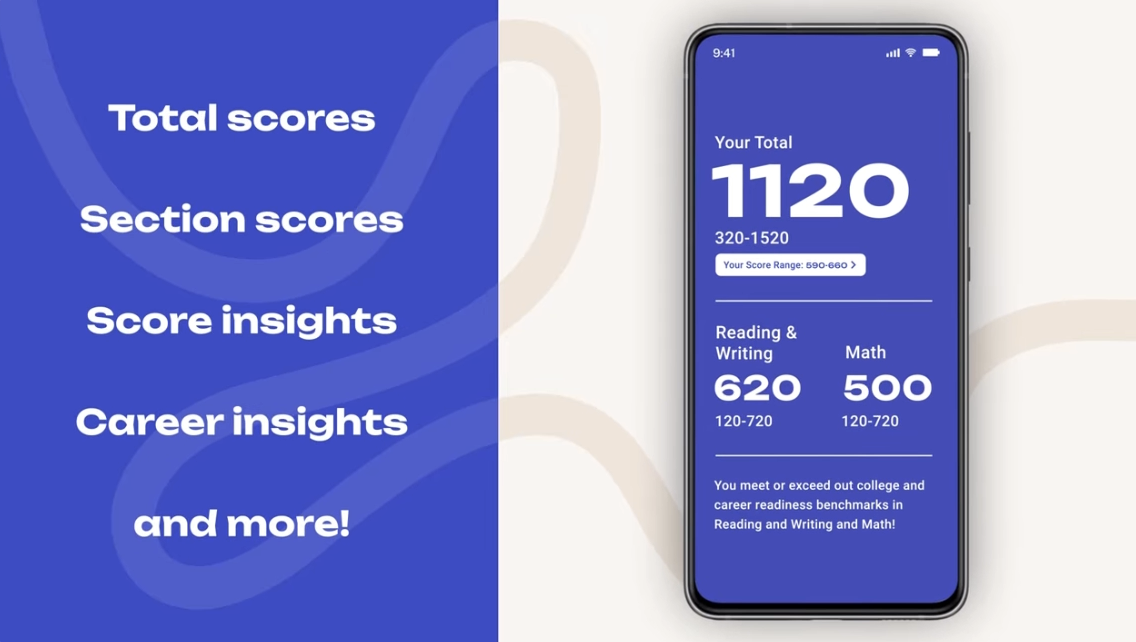
Students can securely access their SAT Suite results through a streamlined mobile experience designed to make important information easy to scan and understand.
Exploring Personalized Recommendations
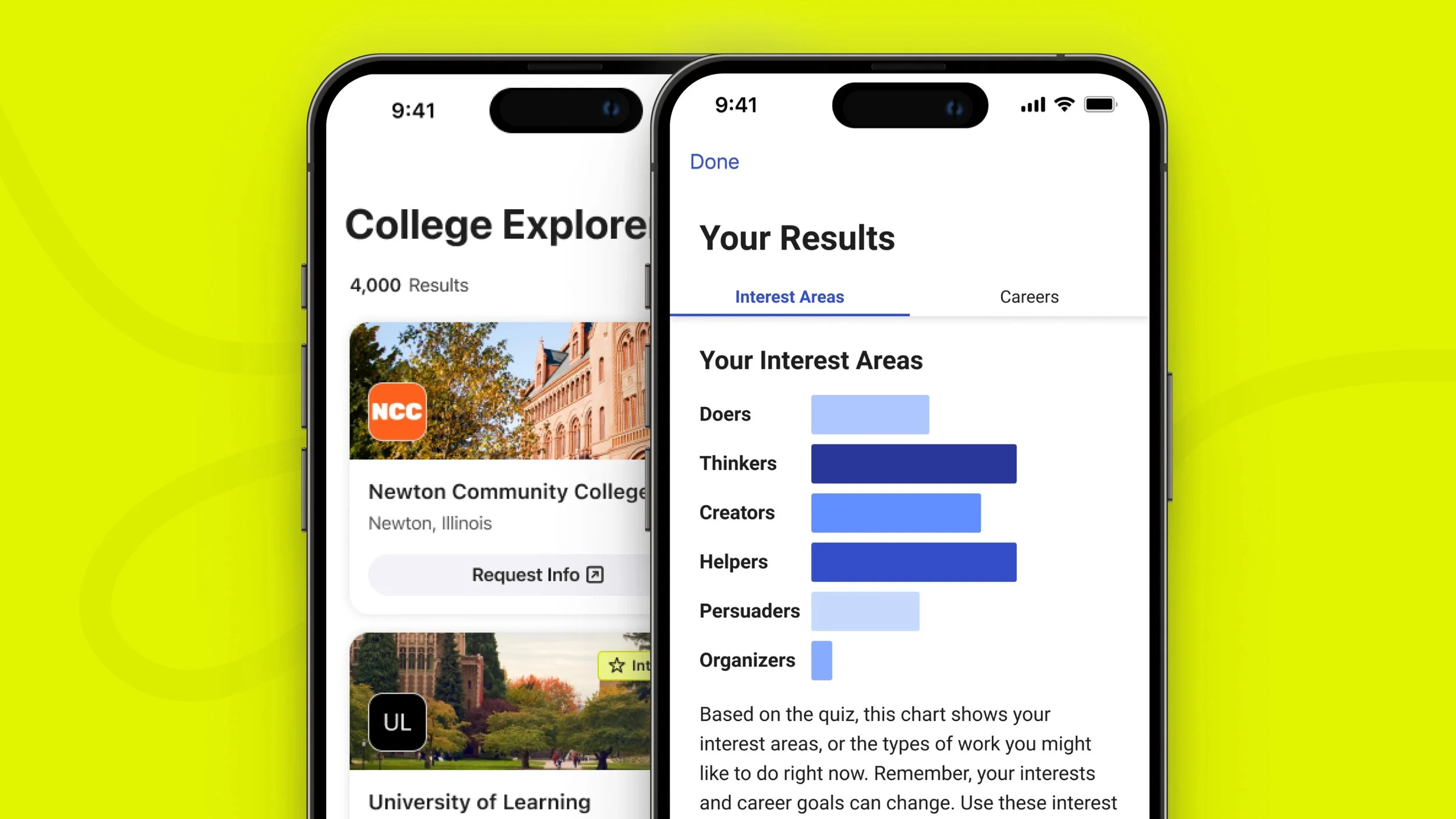
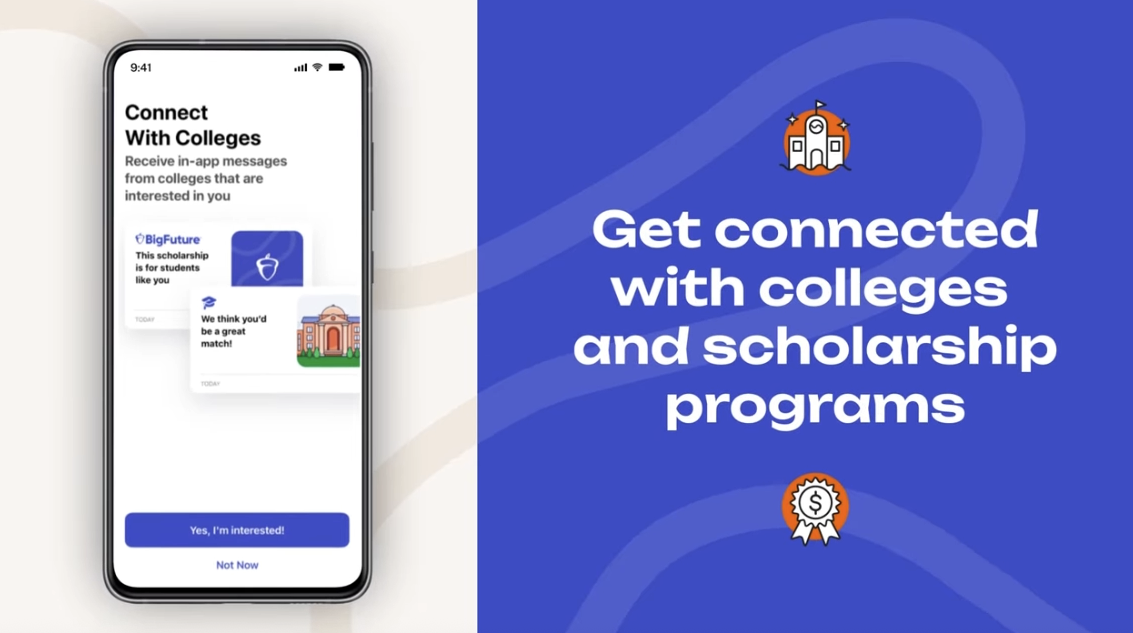
After reviewing their results, students are guided toward personalized college, career, and scholarship content based on their interests and academic profile.
The experience shifts the conversation from "Here's your score" to "Here's what you can do next."
Discovering Opportunities
Students can continue exploring future pathways without leaving the app, helping transform a single testing moment into an ongoing planning experience as they continue exploring colleges, careers, and future opportunities throughout high school.
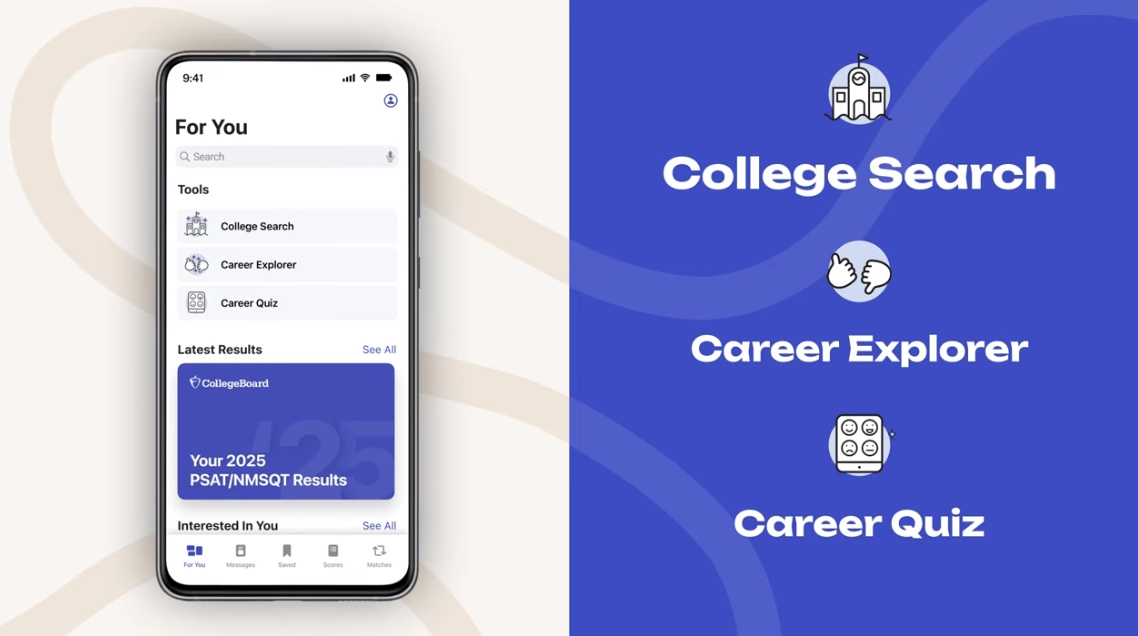
Final Experience
The final mobile experience brings together score access, personalized recommendations, and future planning into one cohesive product.
By combining clear information architecture with personalized guidance, the app helps students move beyond viewing their scores and begin exploring the opportunities ahead.
Reflection
Designing for students meant balancing clarity with encouragement. Every interaction was an opportunity to reduce uncertainty, simplify complex information, and create momentum toward the next stage of a student's educational journey.
This project reinforced how thoughtful mobile experiences can transform a transactional task into a more supportive and engaging product experience.
Design Principles
Three principles guided the experience:
Clarity
Reduce cognitive load by organizing complex educational information into digestible sections with a strong visual hierarchy.
Guidance
Help students understand not only where they are, but where they can go next through contextual recommendations and clear calls to action.
Confidence
Create an approachable experience that empowers students to make informed decisions without feeling overwhelmed.